CVMaker
Free
Build a polished CV in the browser: live preview, multiple templates, editable sections, autosave to your device, and export to PDF or DOCX. Great for job seekers who want control without a subscription.
Deliverables are usually a downloadable archive (for example a ZIP) from the button above.
Details
Features
- Multiple professional CV templates
- Step-by-step resume building workflow
- Live resume preview while editing
- Custom sections with flexible layouts
- Bullet point support for content entries
- Sidebar or main-content section placement
- Automatic multi-page preview for long resumes
- Local storage autosave on refresh
- Profile summary and detailed section editing
- Export as PDF, DOCX, TXT, and print
- Section visibility and drag-and-drop ordering
- Responsive and user-friendly interface
Compatibility
System requirements
Setup Instructions (short version):
- Download the ZIP file and unzip it.
- Install dependencies: run npm install.
- Start the project: run npm run dev.
Requirements:
- Operating System: Windows, macOS, or Linux
- Browser: Chrome, Edge, Firefox, or any modern browser
- Internet: Not required after project is loaded locally
- Runtime for Development: Node.js 18 or later recommended
- Package Manager: npm
- Framework: Next.js 14
- Recommended Device: Laptop/Desktop for best editing experience
- Minimum Screen Size: Mobile supported, desktop recommended for full preview/editing
Overview
Full description
CVMaker is a user-friendly web-based CV and resume builder designed to help users create polished, professional resumes quickly and easily. It provides a guided step-by-step workflow where users can choose a template, add personal details, manage content sections, arrange layout, and instantly preview their resume in real time.
The system supports flexible content editing, including custom sections, bullet points, short and detailed descriptions, sidebar or main-content placement, and automatic multi-page resume preview. User data is safely stored in local browser storage so progress is not lost on refresh. The application also supports exporting resumes in different formats such as PDF, DOCX, TXT, and print view.
CVMaker is built to be simple for beginners while still giving enough control for users who want a more professional and customized resume layout.
More
Related products
Same category as this listing.
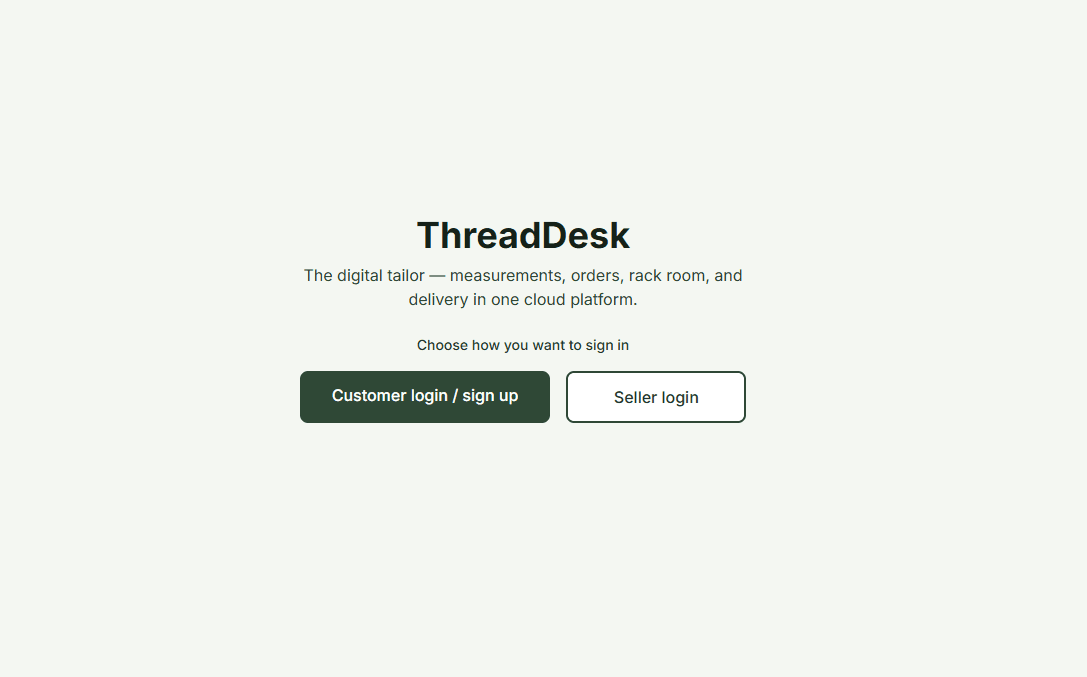
ThreadDesk
Digital tailor platform—customer, seller, admin, and delivery portals. Measurements, orders, rack room, assignments, and notifications in one Next.js + MongoDB app. Free source on GitHub.
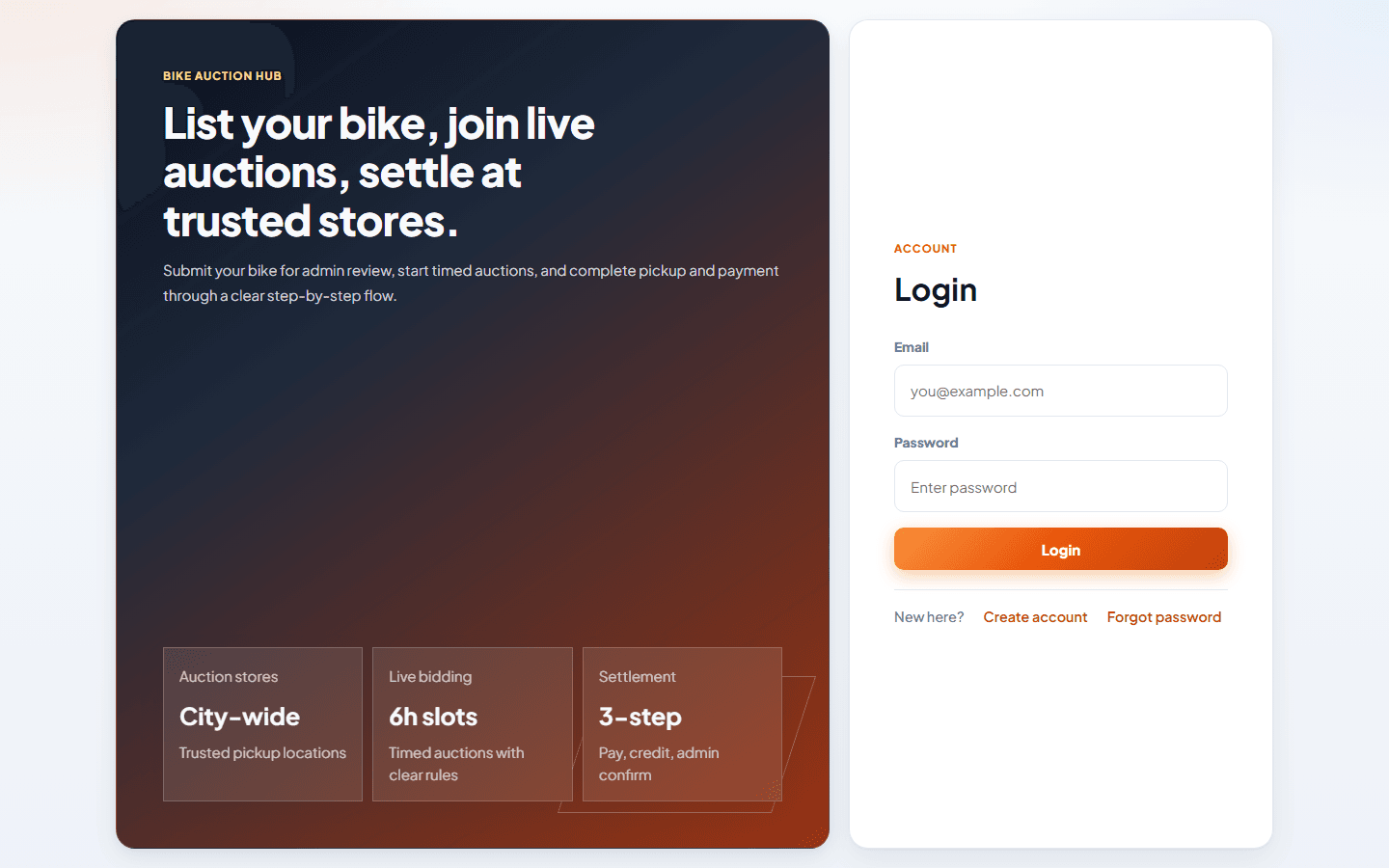
Bike Auction Hub
Online auction platform for bikes and more—live bidding, wallet payments, admin review, store handover, and settlement. User and admin portals in one Next.js + MongoDB app. Free source on GitHub.