Moeez Studio
Orderly on the Microsoft Store
- windows app
- orderly
- microsoft store
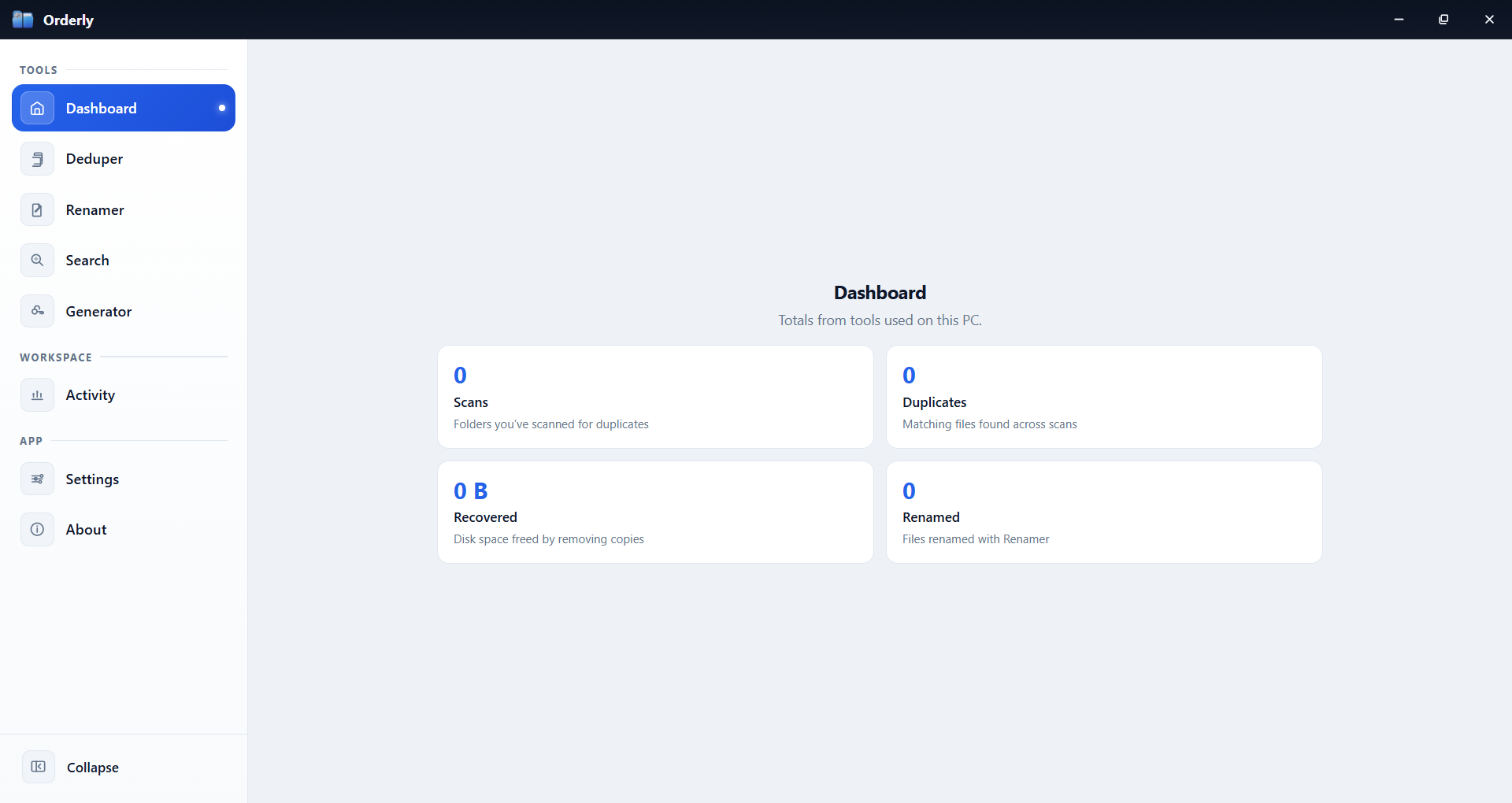
Find duplicate files, batch-rename, and search folders with Orderly. The Windows app stays on your PC and is on the Microsoft Store.
Read articleMoeez Studio
moeeztech.shop
Clear listings, simple docs, and downloads that match what each product page says.
Start here—open any card for the full product page. Browse by platform is just below.
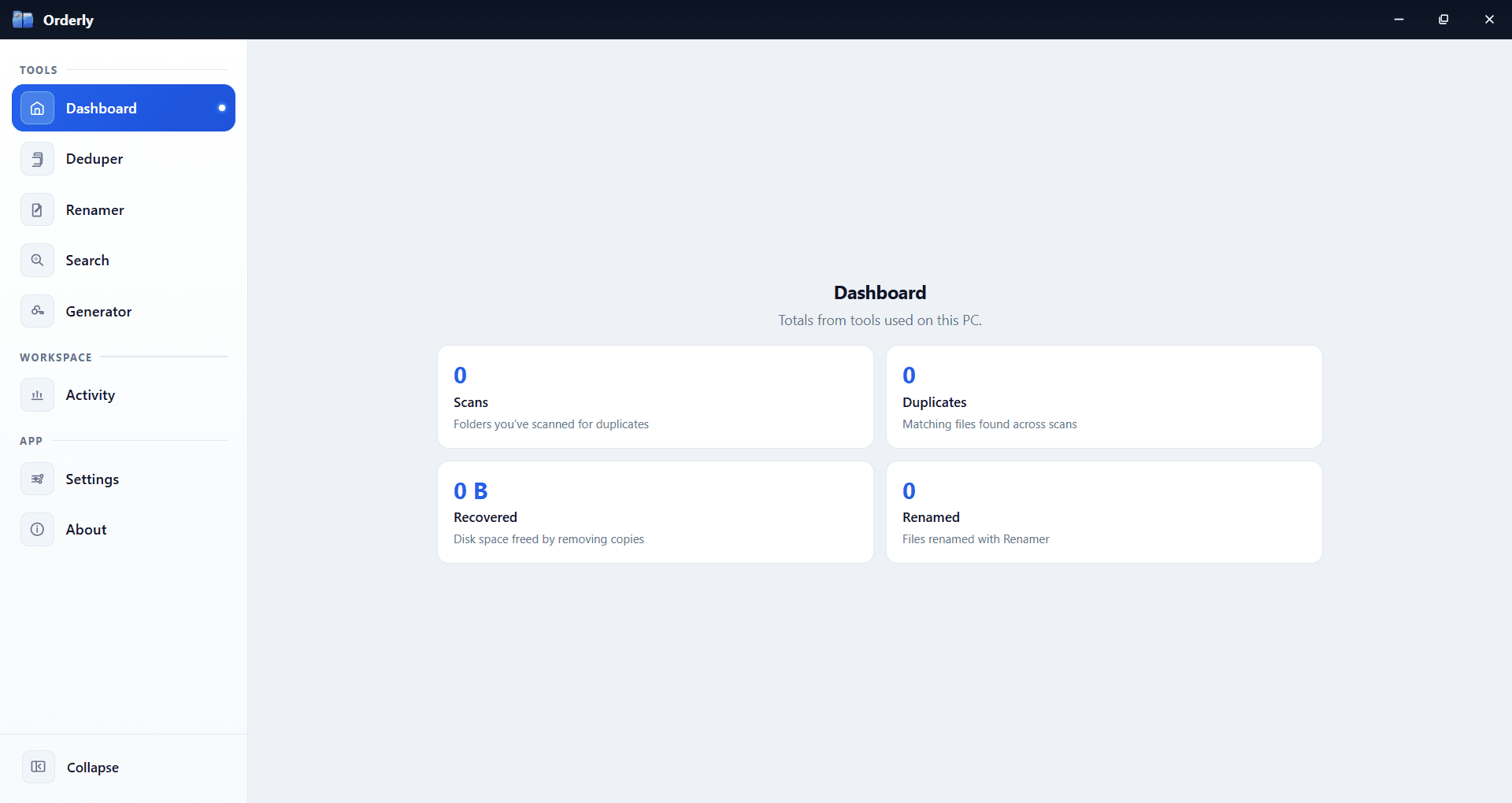
Stop fighting your folders. Orderly is a Windows toolkit for duplicates, smart rename, filtered search, passwords, and activity—local on your PC. Available on Microsoft Store.
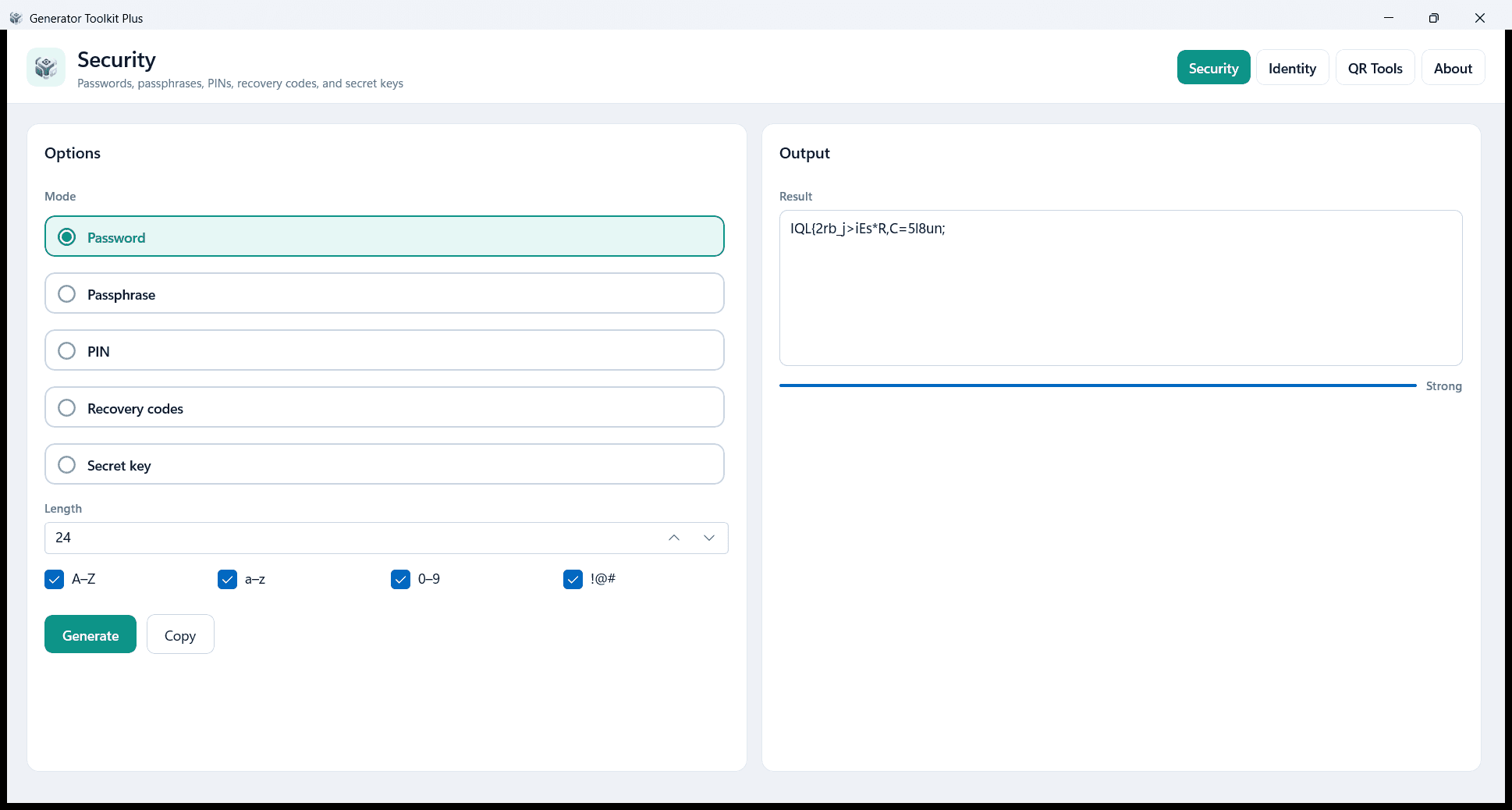
Create passwords, identity IDs, QR codes, and barcodes on your PC. Local and private — no account and no cloud. Free on Microsoft Store.
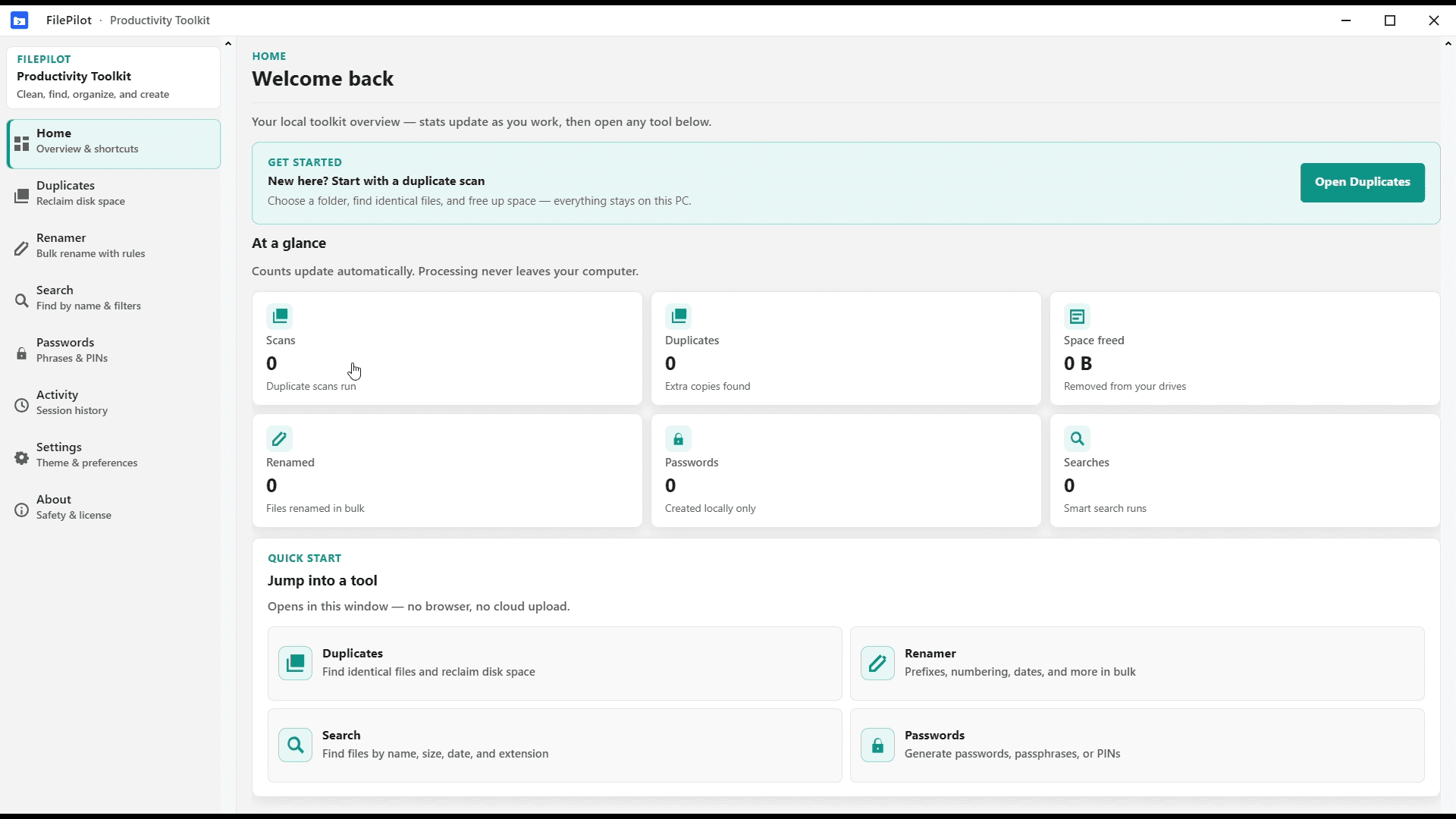
FilePilot MoeezTech was the free Windows MVP for duplicates, rename, search, passwords, and activity. Upgraded to Orderly; source remains on GitHub.
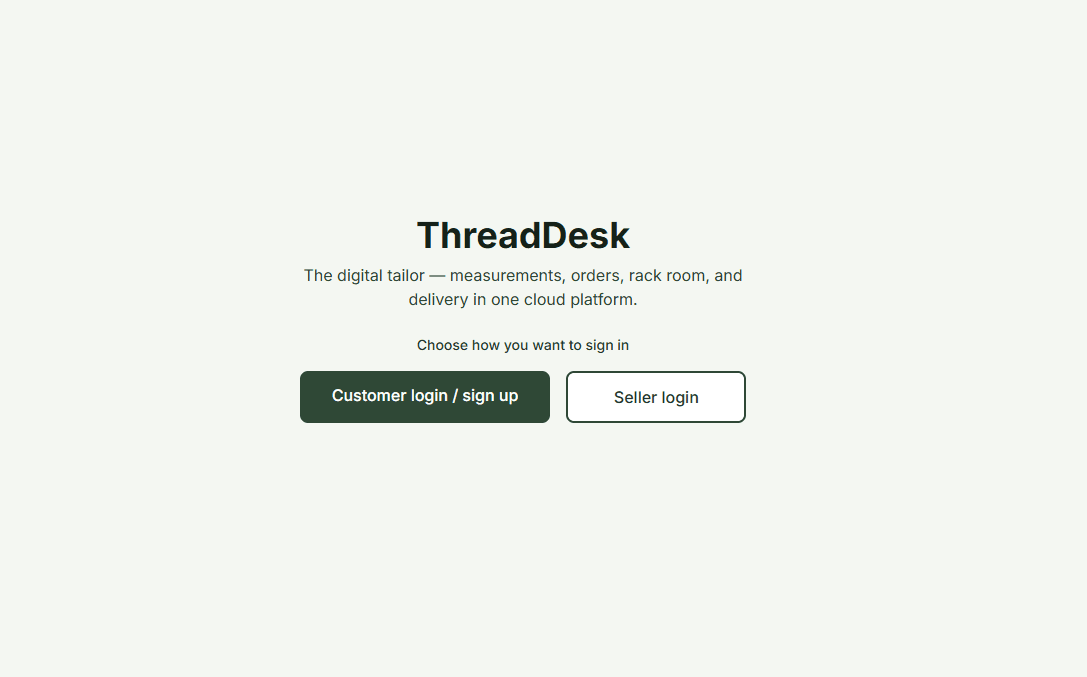
Digital tailor platform—customer, seller, admin, and delivery portals. Measurements, orders, rack room, assignments, and notifications in one Next.js + MongoDB app. Free source on GitHub.
Browse the full shop—Windows apps, website code, and every listing in one place.
Jump to Windows or website listings. Full list: Categories.
Journal
Thoughtful updates, practical how-to reading, and clearer context around the tools in the shop.
Find duplicate files, batch-rename, and search folders with Orderly. The Windows app stays on your PC and is on the Microsoft Store.
Read article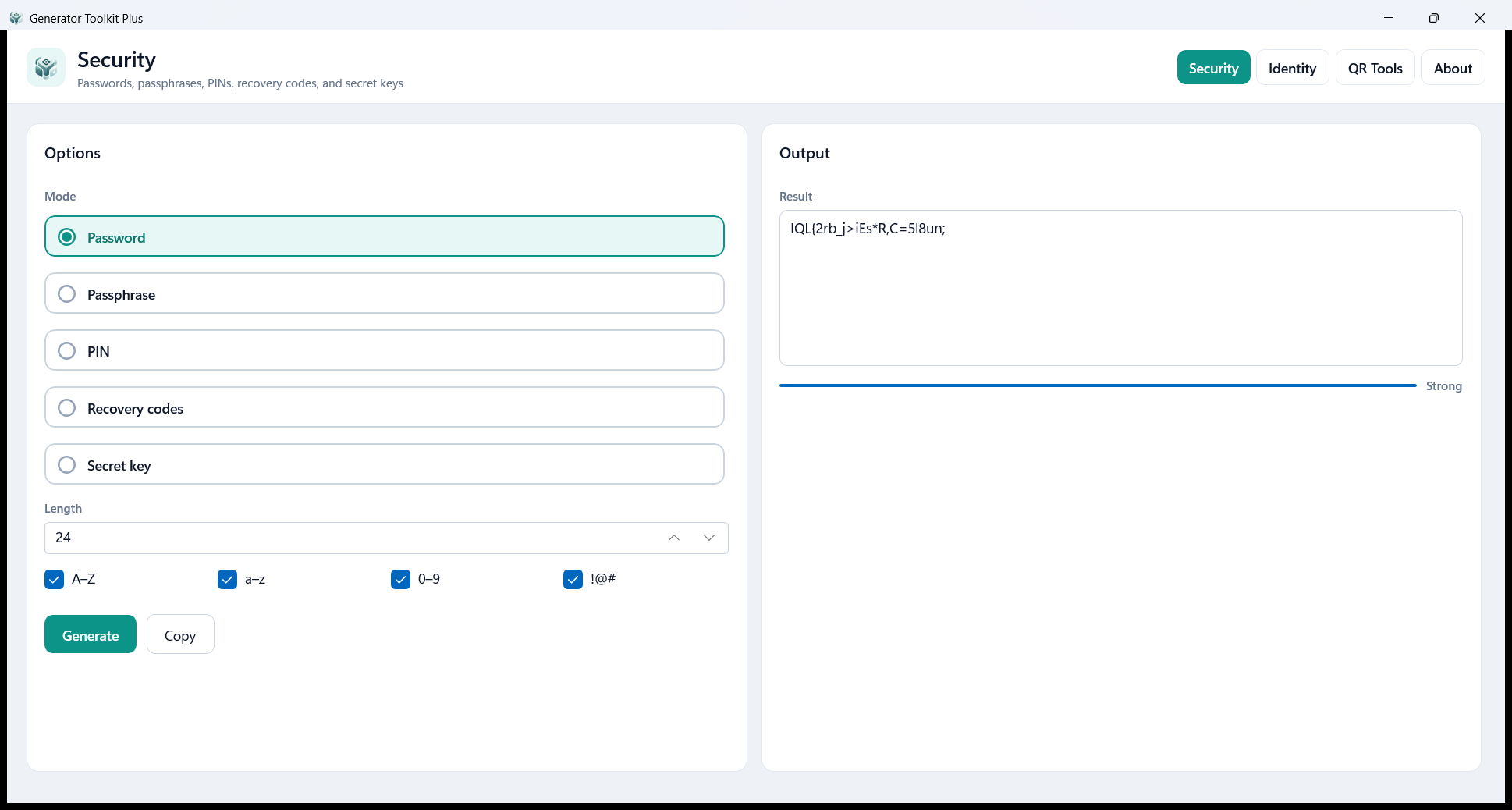
Generator Toolkit Plus creates passwords, identity IDs, QR codes, and barcodes on your Windows PC. Free on the Microsoft Store.
Read article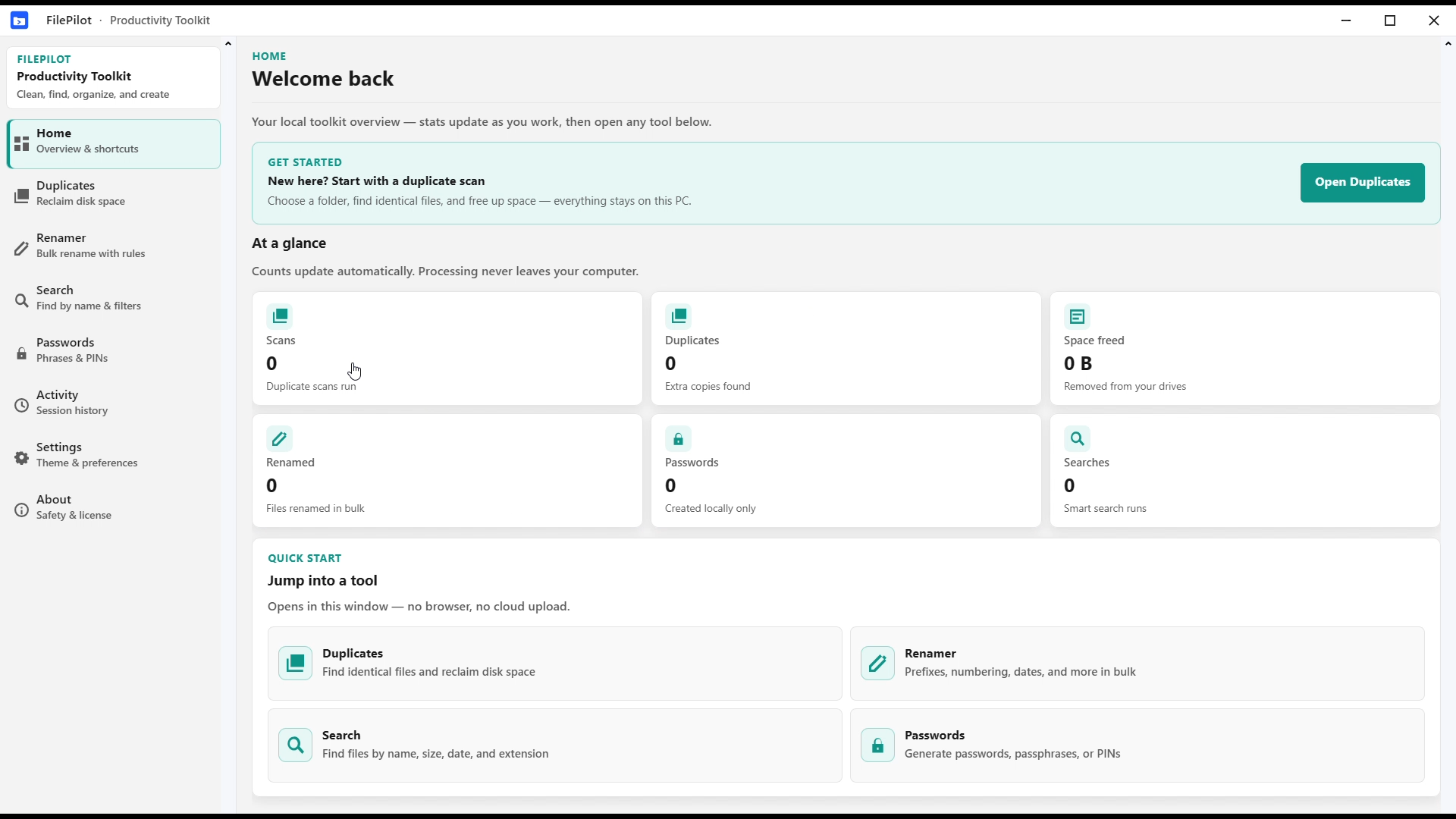
FilePilot MoeezTech was the first Windows MVP. The current app is Orderly on the Microsoft Store. The FilePilot source stays on GitHub.
Read articleA calm, straightforward place for Windows apps and website code—clear pages over hype.
Every listing is written to be easy to follow—so students, professionals, and hobbyists alike can get started without guesswork.
Desktop tools and website projects are packaged for real use—installers, ZIPs, or Store links as described on each product page.
You always know what you are getting: download links, file formats, and setup steps are spelled out before you commit your time.
Questions after download? Reach out through the contact form or email—we aim to reply within a day or two in most cases.
Every product page lists exactly what you get. Here is the difference between Windows installers and website source code—then three quick steps.
Pick a product
Open the card or listing, read features and requirements, then use the download or purchase path on that page.
Install or run
Windows: run the installer. Website: use the terminal commands from the box above when the project uses npm.
Need something custom?
Start a project brief or contact us for anything not spelled out on the page.
Quick answers about downloads and website code. For anything else, see Contact.
Each product page explains delivery for that listing. Many apps ship as a ZIP installer or direct download; when a Microsoft Store link is listed, you can install from the Store instead. After download, run the installer and follow the on-screen steps.
Website listings are typically delivered as a downloadable archive (for example a ZIP) with the project source. Product pages include setup notes—often install dependencies with npm and run the dev server locally before you deploy.
Yes. Use Contact or “Request custom work” to describe your scope. You will get a clear plan, timeline, and cost estimate for Windows apps or web projects.
Listings aim for clean delivery and documentation, with walkthrough videos where provided. For questions or issues, use the contact form or email on the site; replies are usually within 1–60 hours.
Browse the catalog anytime, or message us if you need an app or website built for you.