Shop guide2 min read
Orderly on the Microsoft Store
Find duplicate files, batch-rename, and search folders with Orderly. The Windows app stays on your PC and is on the Microsoft Store.
By Moeez Studio
- windows app
- orderly
- microsoft store
- productivity
- product spotlight
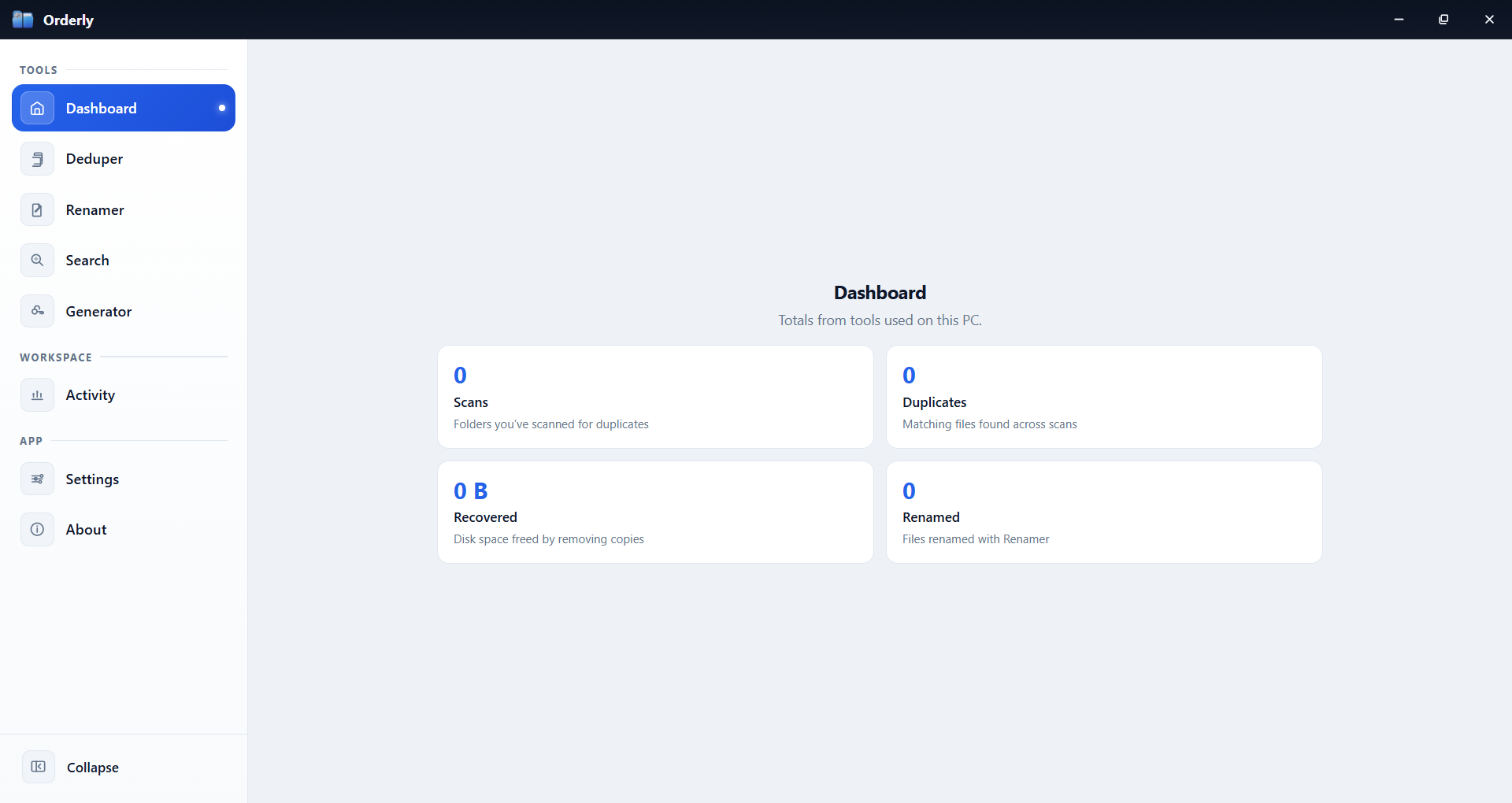
If your Downloads folder looks like a crime scene, you already know the pain: duplicate photos, files with names like final_v3_REAL, and searches that never land on the right thing.
Orderly is a Windows desktop toolkit that keeps the work on your machine. No “upload your folder to the cloud” step. You pick a tool, choose a folder, and stay in control.
What’s inside
| Tool | What it helps with |
|---|---|
| Duplicates | Find identical files and free space without guessing |
| Renamer | Stack rules, preview names, then apply (with undo when you need it) |
| Search | Folder search plus size / modified / created filters |
| Passwords | Generate strong passwords when you need them |
| Activity | A simple trail of recent work |
How to get it (Microsoft Store)
Use Get from Microsoft Store on the product page—it opens the official listing:
Install from the Store, open Orderly from Start, and start with a folder you know well.
How to use it in five minutes
- Open a tool from the sidebar (start with Search or Duplicates)
- Browse to a folder
- Run the scan or search
- Review results before you recycle, delete, or mass-rename
- Watch the demo on the Orderly product page if you want a guided walkthrough
Privacy
File tools stay local. Details: Orderly Privacy Policy.
References
Links and resources
Related