Generator Toolkit Plus
Free
Create passwords, identity IDs, QR codes, and barcodes on your PC. Local and private — no account and no cloud. Free on Microsoft Store.
Opens the Microsoft Store in a new window.
Details
Features
What Generator Toolkit Plus helps you do
- Generate passwords, passphrases, PINs, recovery codes, and secret keys
- Create usernames, UUIDs, email aliases, and other identity IDs
- Build QR codes for URL, Wi‑Fi, contact, email, phone, SMS, and more
- Generate barcodes (Code 128, EAN-13, UPC-A, Code 39) and save as PNG
- Runs locally — no account, cloud, or tracking
- Free on the Microsoft Store
Compatibility
System requirements
Get the app (Microsoft Store):
- Use Get from Microsoft Store on this page — it opens the listing: Generator Toolkit Plus
- Install from the Store, then launch Generator Toolkit Plus from Start
Requirements:
- Windows 10 or Windows 11
- Microsoft Store access
Quick start:
- Open Security, Identity, or QR Tools
- Choose the type and options, then generate
- Copy the result, or save a QR or barcode PNG after you confirm
Overview
Full description
Generator Toolkit Plus is a Windows desktop utility for creating security, identity, and code assets on your PC. Nothing is uploaded. There is no account and no cloud sync.
What’s inside
- Security — Passwords, passphrases, PINs, recovery codes, and secret keys
- Identity — Usernames, UUIDs, email aliases, initials IDs, numeric IDs, and names
- QR Tools — QR codes for links, text, Wi‑Fi, contacts, email, phone, SMS, location, calendar, and store links, plus barcodes (Code 128, EAN-13, UPC-A, Code 39)
- About — What the app does and how privacy works
How to use it
- Get Generator Toolkit Plus free from the Microsoft Store (button on this page)
- Open a tab: Security, Identity, or QR Tools
- Set the options and generate
- Copy the result, or save a QR or barcode as PNG after you confirm
Privacy
Generation stays on your machine. Read the Generator Toolkit Plus Privacy Policy.
More
Related products
Same category as this listing.
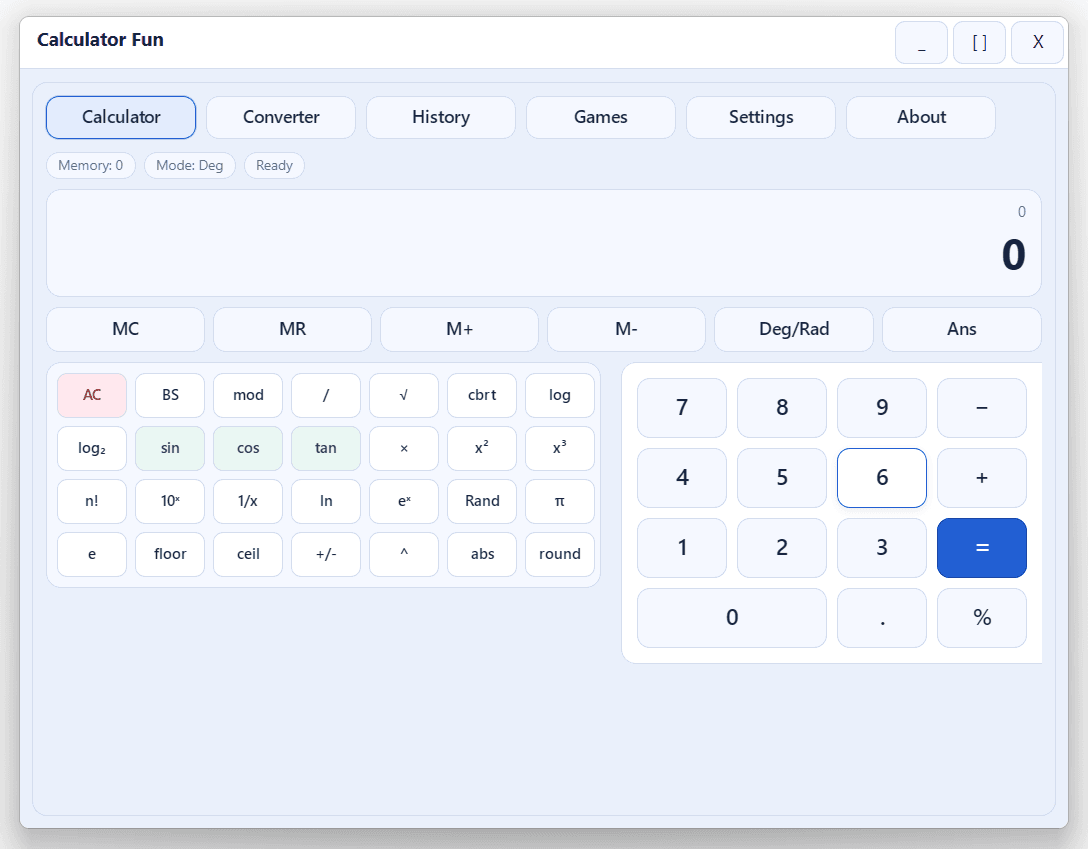
Calculator Fun
All-in-one Windows calculator and learning tool: scientific math, unit converter, history, themes, and built-in mini-games—fast, offline, and keyboard-friendly. Ideal for students, homework, and daily number work.
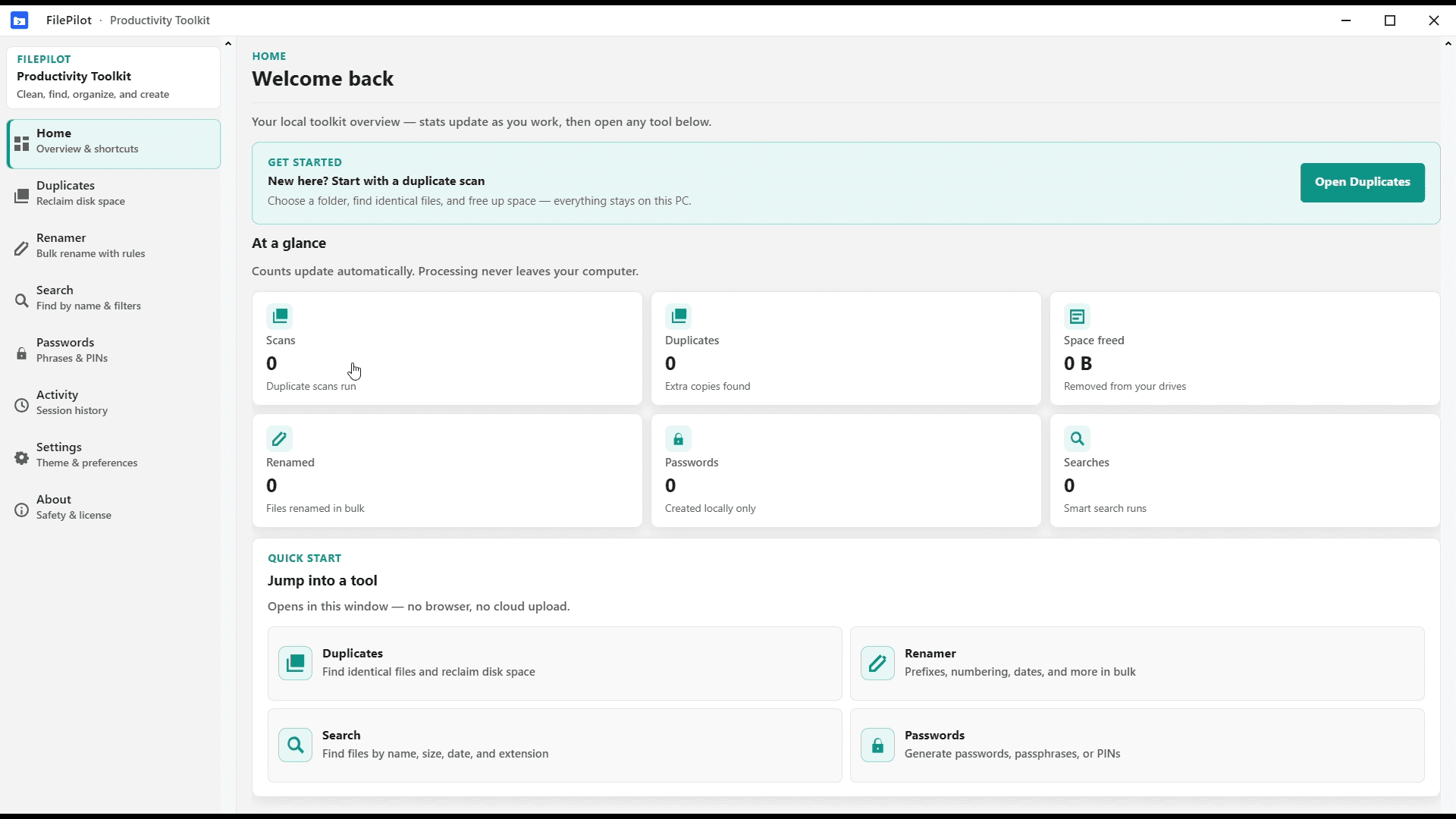
FilePilot MoeezTech
FilePilot MoeezTech was the free Windows MVP for duplicates, rename, search, passwords, and activity. Upgraded to Orderly; source remains on GitHub.
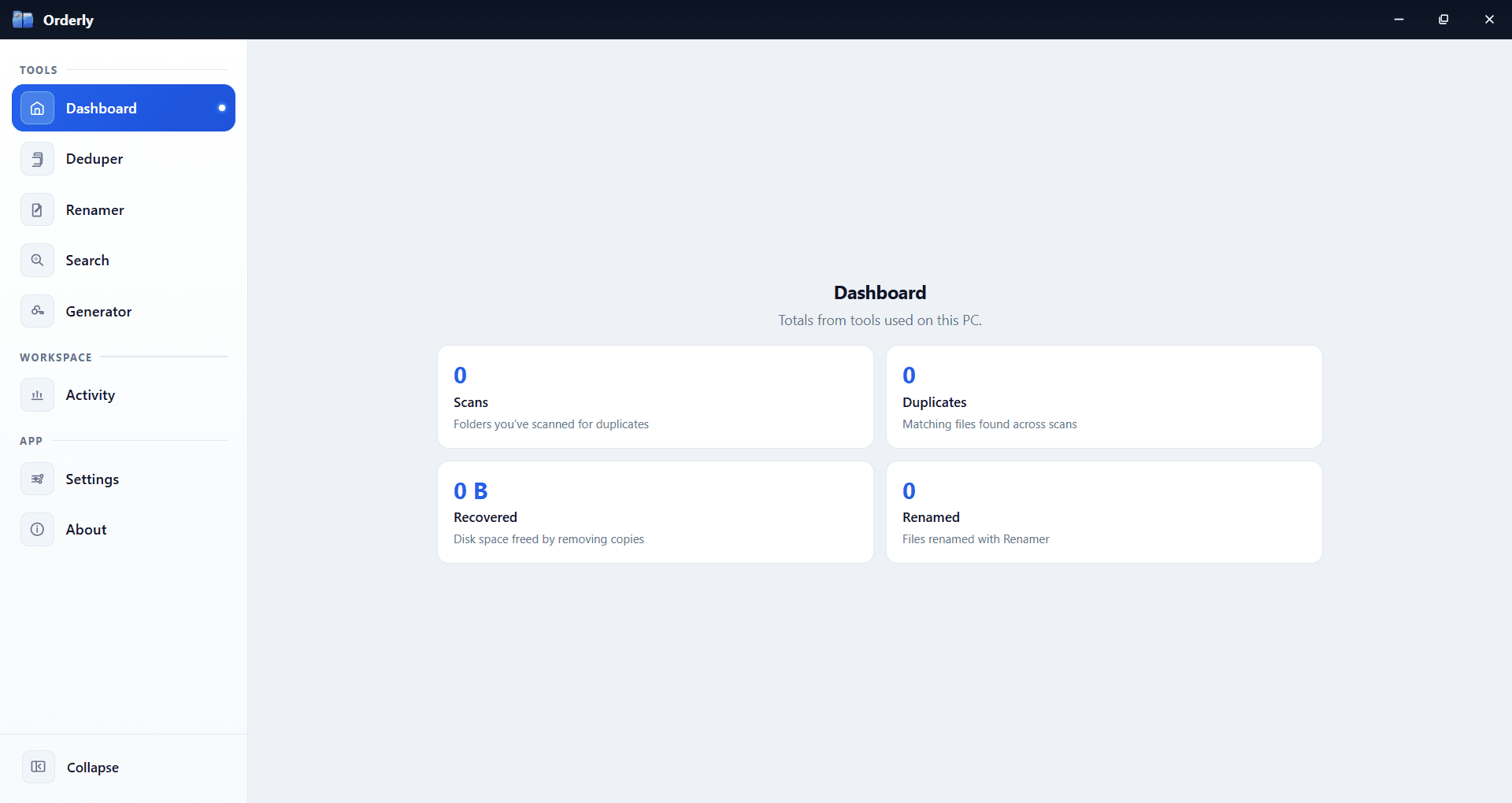
Orderly
Stop fighting your folders. Orderly is a Windows toolkit for duplicates, smart rename, filtered search, passwords, and activity—local on your PC. Available on Microsoft Store.