Calculator Fun
Free
All-in-one Windows calculator and learning tool: scientific math, unit converter, history, themes, and built-in mini-games—fast, offline, and keyboard-friendly. Ideal for students, homework, and daily number work.
Use the buttons above to download files or open links (each opens in a new tab when needed).
Details
Features
Features
- Scientific calculator with memory and advanced math functions.
- Multi-category converter: currency, length, volume, mass, temperature, and more.
- Calculation history for quick review and reuse.
- Built-in mini-games for logic and mental math practice.
- Theme switch, angle mode, decimal precision, and keyboard input support.
Compatibility
System requirements
End users (installer):
- Windows 10 or Windows 11
- Download and run Calculator_Fun_Setup.exe from the button on this page
- The installer registers uninstall, Start menu, and optional desktop shortcut
Get the source (GitHub):
- Clone github.com/moeezshakir/Calculator_fun_Sciter_js or use Get it on GitHub on this page
- Open
Calculator_fun.slnin Visual Studio 2026 Insider (platform toolset v145) - If you use an older Visual Studio, right-click the project → Properties → General → Platform Toolset and retarget to v143 (or the toolset you have installed)
Build the solution:
- Choose Debug or Release and x64 or Win32 from the Visual Studio toolbar
- Build → Build Solution (all four combinations are supported)
- Output goes to
Bin\<Platform>\<Configuration>\(for exampleBin\x64\Release\Calculator_fun.exe)
Sciter runtime (required):
- This project uses Sciter 6.0.3.10 (see
Sciter_SDK/include/sciter-version.h) - Copy
sciter.dllfrom theSciter_SDKfolder into the same Bin folder asCalculator_fun.exe— the app will not run without it - If you switch Sciter versions, replace
sciter.dlland theSciter_SDK/includeheaders with the matching SDK, then Clean Solution and Rebuild - Different Sciter versions can change styles or behavior — adjust UI/CSS/JS as needed for your target version
- More on Sciter JS: sciter.com
Build the setup installer (Inno Setup):
- Build Release | x64 first and confirm
Bin\x64\Release\contains bothCalculator_fun.exeandsciter.dll - Open
Calculator_Fun_Setup\Calculator_Fun_Setup.issin Inno Setup and compile — default output isCalculator_Fun_Setup.exe(x64) - To target Win32 or another configuration, edit
MyBuildDirin the.issfile to match yourBinpath
Saved settings:
Theme (light/dark), angle mode (deg/rad), decimal places, and hint visibility are saved to %AppData%\Calculator_fun\cal_fun.txt. Currency rates are cached in %AppData%\Calculator_fun\currency_rates.json.
Overview
Full description
Calculator_Fun is a full-featured desktop productivity and learning application built on Sciter with a native C++ host and a modern HTML/CSS/JavaScript interface. It is designed to go beyond a traditional calculator by combining multiple tools and interactive modules into one lightweight Windows app. At its core, it offers a scientific calculator with robust arithmetic handling, memory operations, percentage/sign controls, power and root functions, logarithmic and trigonometric functions, factorial support, expression-aware evaluation, keyboard input handling, and configurable decimal precision. The app also includes a comprehensive unit converter covering practical categories such as currency, length, volume, weight/mass, temperature, energy, area, speed, time, power, data, pressure, and angle, allowing users to switch categories and units quickly from the same interface. To improve continuity and usability, calculation history is maintained and rendered in a dedicated tab so users can review recent operations without losing workflow context.
In addition to utility-focused features, Calculator_Fun includes a rich collection of mini-games that make the app engaging for students and casual users: Guess Number, Rock-Paper-Scissors, Quick Math, Dice Roll, Tic-Tac-Toe, Higher/Lower, Prime or Not, Math Race, Sequence Challenge, Memory Challenge, and a 21-style card game. These modules help reinforce number sense, mental math speed, and logic while keeping the experience interactive. The settings tab provides practical customization controls including light/dark theme toggle, angle mode (degrees/radians), decimal-place preferences, and hint visibility, plus integrated uninstall access for convenience. Distribution is handled through Inno Setup (Calculator_Fun_Setup), with proper install/uninstall registration and desktop/start-menu shortcuts for a standard end-user setup flow. Overall, Calculator_Fun is positioned as an all-in-one desktop math companion that balances serious calculation features with educational and entertainment value in a clean, responsive interface.
More
Related products
Same category as this listing.
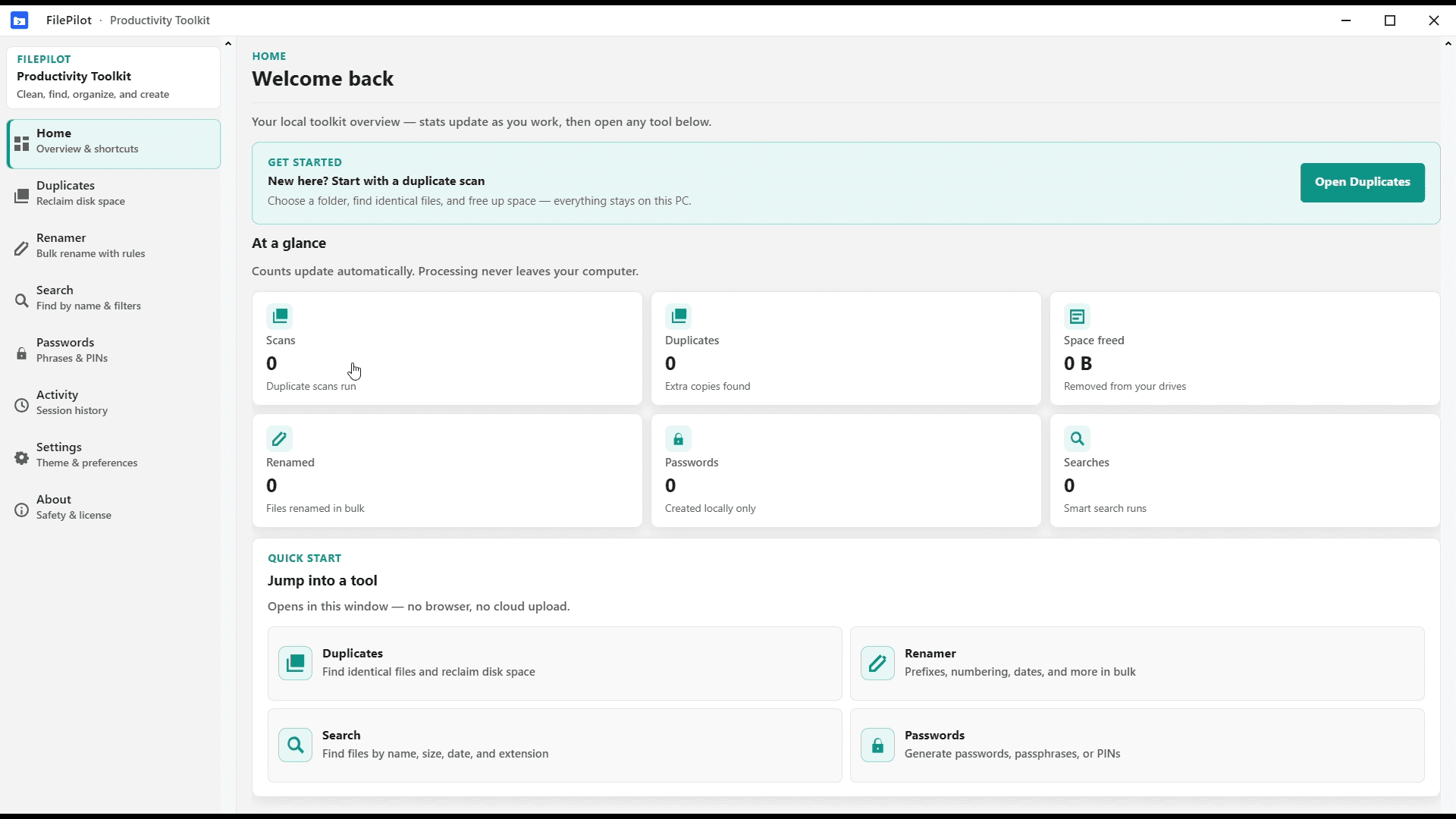
FilePilot MoeezTech
FilePilot MoeezTech was the free Windows MVP for duplicates, rename, search, passwords, and activity. Upgraded to Orderly; source remains on GitHub.
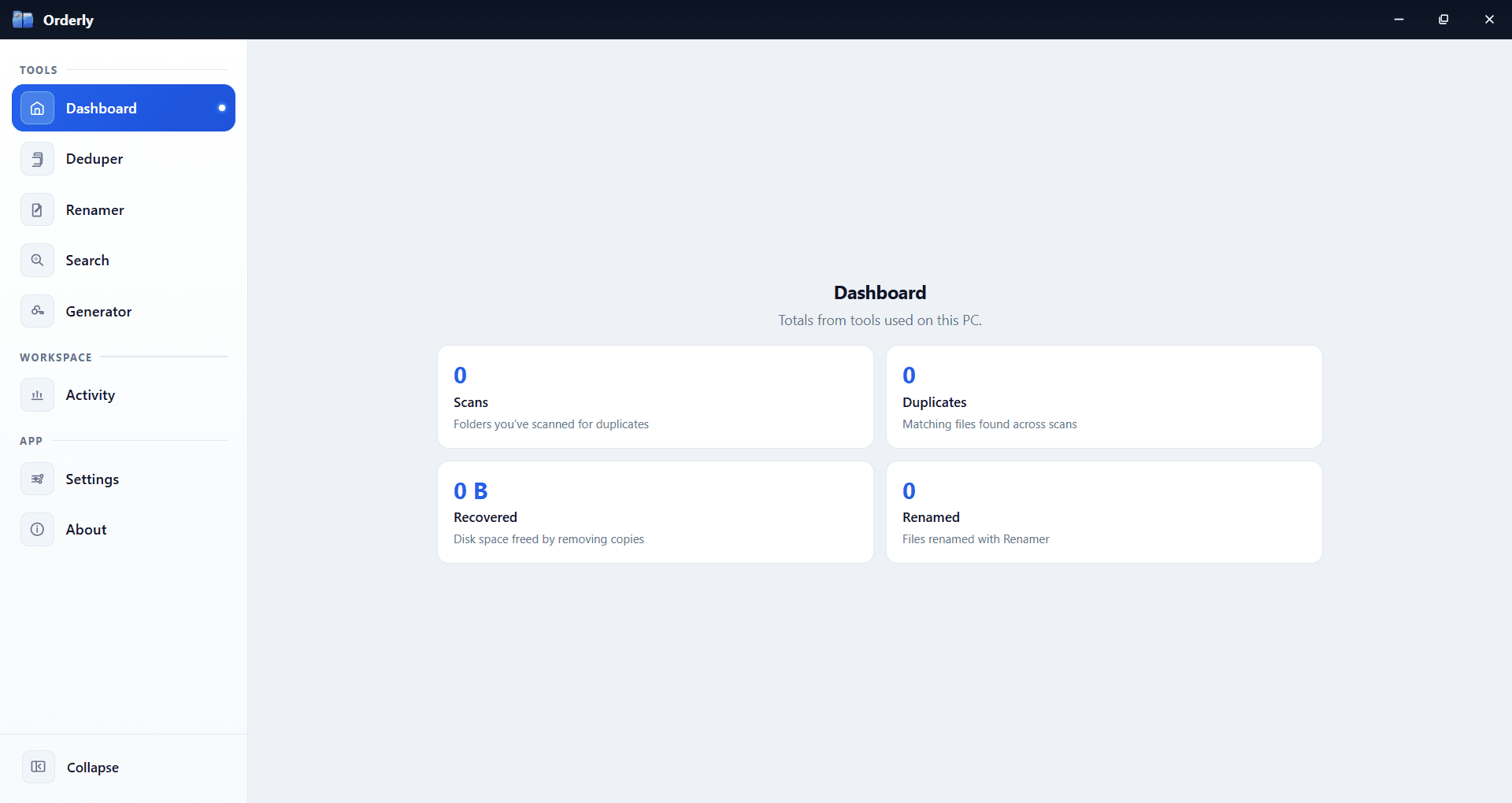
Orderly
Stop fighting your folders. Orderly is a Windows toolkit for duplicates, smart rename, filtered search, passwords, and activity—local on your PC. Available on Microsoft Store.
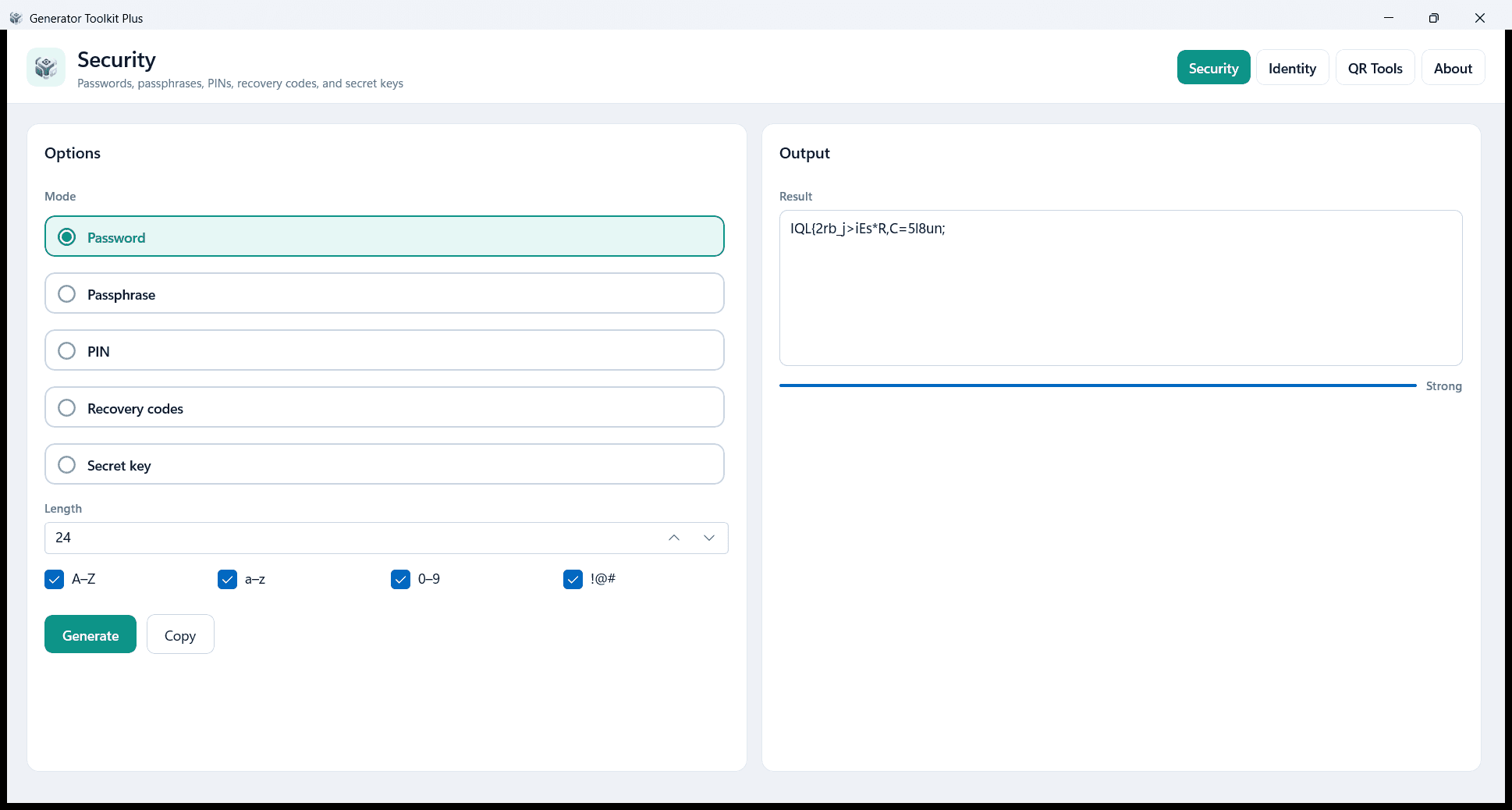
Generator Toolkit Plus
Create passwords, identity IDs, QR codes, and barcodes on your PC. Local and private — no account and no cloud. Free on Microsoft Store.