Shop guide2 min read
How to use Generator Toolkit Plus
Generator Toolkit Plus creates passwords, identity IDs, QR codes, and barcodes on your Windows PC. Free on the Microsoft Store.
By Moeez Studio
- windows app
- generator toolkit plus
- password generator
- qr code
- privacy
- free
- product spotlight
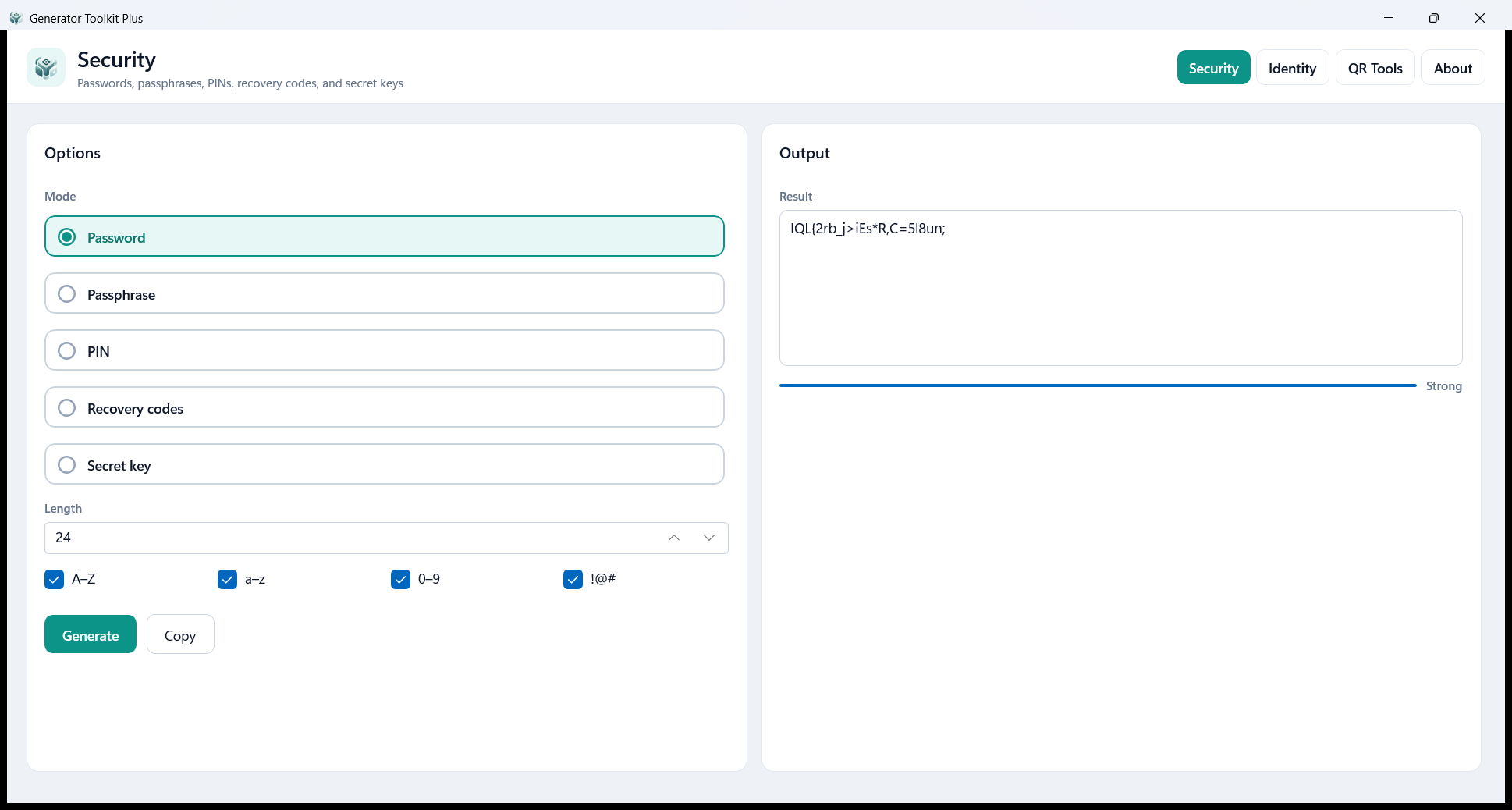
Generator Toolkit Plus is a free Windows desktop utility for everyday generating: security values, identity IDs, QR codes, and barcodes. The work stays on your machine.
What’s inside
| Area | What it does |
|---|---|
| Security | Passwords, passphrases, PINs, recovery codes, and secret keys |
| Identity | Usernames, UUIDs, email aliases, initials IDs, numeric IDs, and names |
| QR Tools | QR codes for links, Wi‑Fi, contacts, email, phone, SMS, and more, plus Code 128, EAN-13, UPC-A, and Code 39 barcodes |
| About | A short summary of the app and its privacy |
How to get it (free on Microsoft Store)
Use Get from Microsoft Store on the product page—it opens the free listing:
Generator Toolkit Plus on Microsoft Store
Install from the Store, then open Generator Toolkit Plus from Start.
How to use it
- Open Security, Identity, or QR Tools
- Set the options and generate
- Copy the result, or save a QR or barcode as PNG after you confirm
Privacy
There is no account, no analytics, and no upload of what you generate. Details: Generator Toolkit Plus Privacy Policy.
Open the Generator Toolkit Plus product page · Get it free on Microsoft Store
References
Links and resources
Related