Shop guide2 min read
Notification Desk on the Microsoft Store
Notification Desk keeps a private, searchable archive of Windows notifications on your PC. Available on the Microsoft Store.
By Moeez Studio
- windows app
- notification desk
- microsoft store
- notifications
- productivity
- privacy
- product spotlight
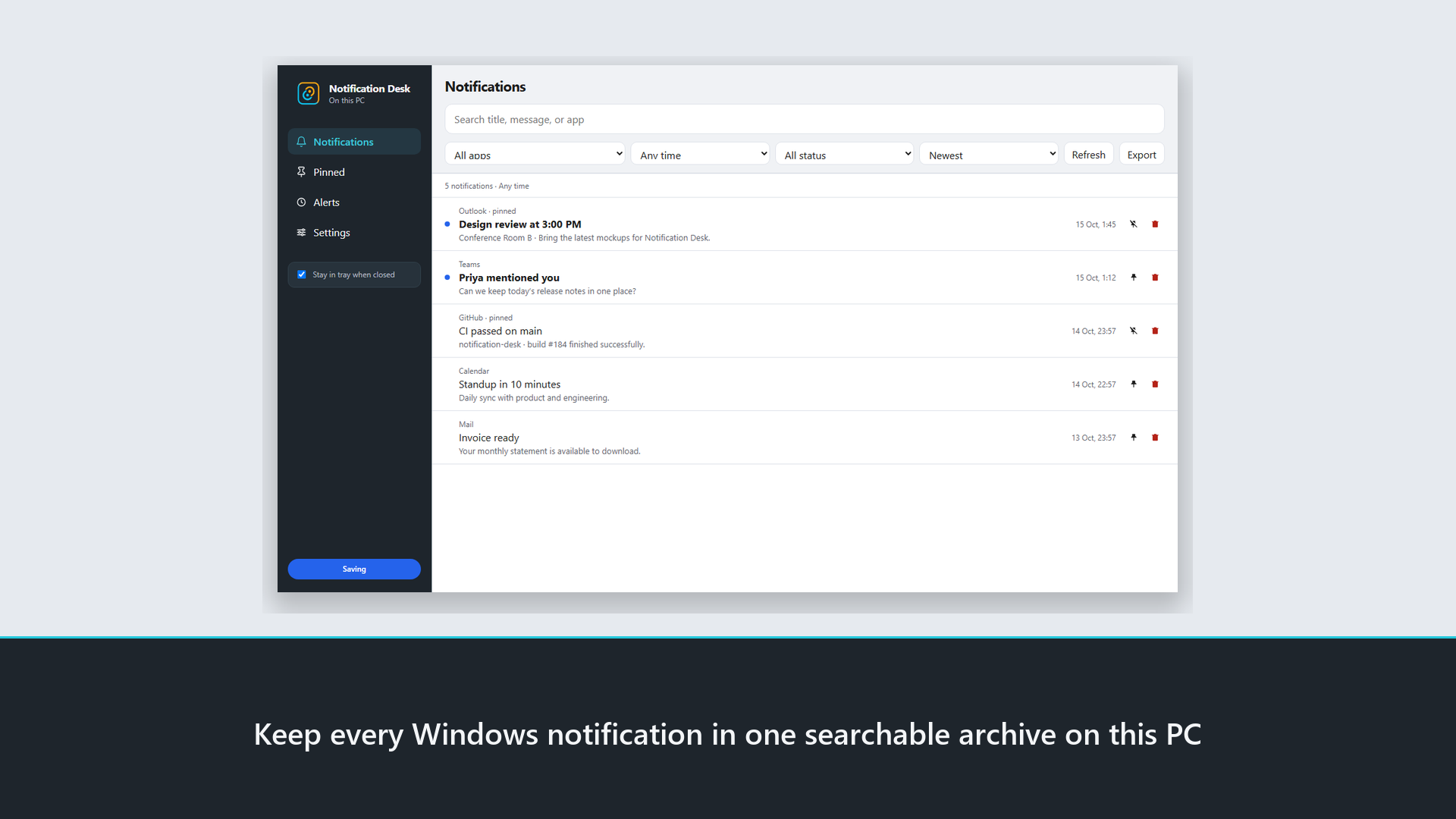
Notification Desk is a Windows desktop app for people who lose important toasts in Action Center. It captures notifications into a local inbox you can search, pin, and alert on — with no account and no cloud.
What it does
| Area | What it does |
|---|---|
| Inbox | Saves Windows notifications on this PC so you can find them later |
| Search & filters | Find by title, message, or app; filter by date and status |
| Pinned | Keep critical alerts visible |
| Alerts | Keyword watches and scheduled reminders with optional sound and popup |
| Settings | Capture on/off, retention, cleanup, theme, and export |
How to get it (Microsoft Store)
Use Get from Microsoft Store on the product page — it opens the listing:
Notification Desk on Microsoft Store
Install from the Store, allow notification access when Windows asks, then keep the app running (or in the tray).
How to use it
- Open the Notifications view and let history build while the app runs
- Search or filter when you need an old alert
- Pin important items, or add a keyword / scheduled alert
- Export or clean up older history from Settings when you want
Privacy
History stays on your machine. Details: Notification Desk Privacy Policy.
Open the Notification Desk product page · Get it on Microsoft Store
References
Links and resources
Related